

Want to diversify your Lam Research RSUs?
Invest in other US stocks without using your LRS limit.
How Lam Research did, and what analysts expect next
Gain over the past year
Compare Lam Research with
Lam Research gained 15.6% more than the S&P 500 over the past year
Expected growth, next 12 months
Analyst estimates, not guaranteed.
Compared with
Over the next 12 months, analysts expect Lam Research to grow 68.0% more than the S&P 500
Diversify with RoviaWhat’s coming up for Lam Research
November 2026
| M | T | W | T | F | S | S |
|---|---|---|---|---|---|---|
| 1 | ||||||
| 2 | 3 | 4 | 5 | 6 | 7 | 8 |
| 9 | 10 | 11 | 12 | 13 | 14 | 15 |
| 16 | 17 | 18 | 19 | 20 | 21 | 22 |
| 23 | 24 | 25 | 27 | 28 | 29 | |
| 30 |
- 2 DecEx-dividend date
Ex-dividend date
Own Lam Research shares before today to get the next dividend.
- 28 DecTrading window closes
Your trading window closes
You can still move your shares to Rovia during a blackout. Only selling is paused. Estimated from the usual pattern; your company’s trading policy has your dates.
- 6 JanDividend paid
Dividend paid
The dividend lands in your stock plan account. Selling is paused, but you can still move your shares to Rovia.
- 27 JanQuarterly results
Quarterly results
Lam Research reports the quarter. Selling is paused, but you can still move your shares to Rovia.
- 1 FebTrading window opens
Trading window opens
You can sell again.
Why employees switch to Rovia
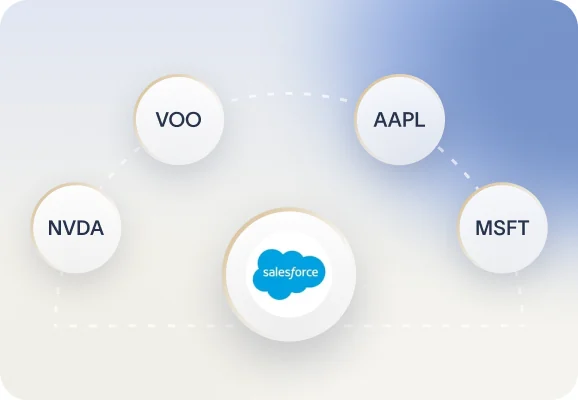
Invest beyond one company
Any US stock or ETF
E*TRADEYour company’s shares
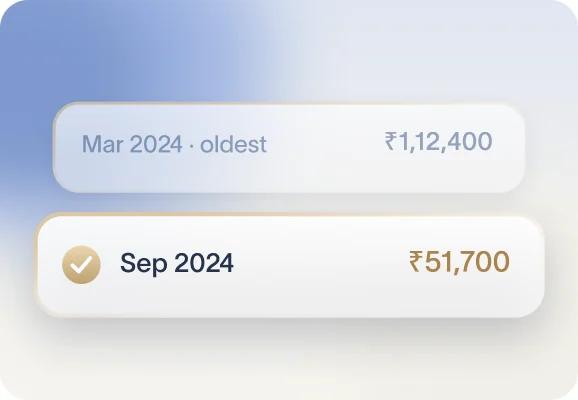
Pay less tax when you sell
Cheapest batch first
E*TRADEOldest shares first
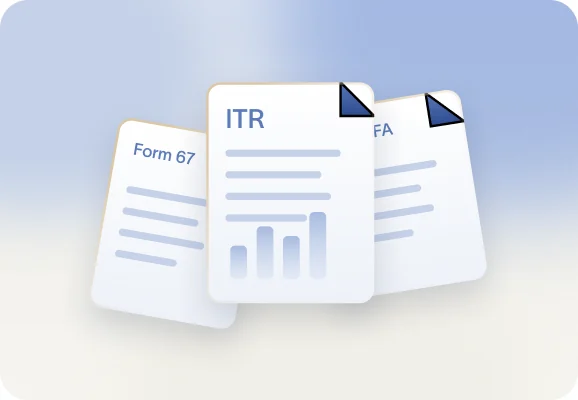
Get your India tax forms done
ITR-ready tax report
E*TRADEUS statements only
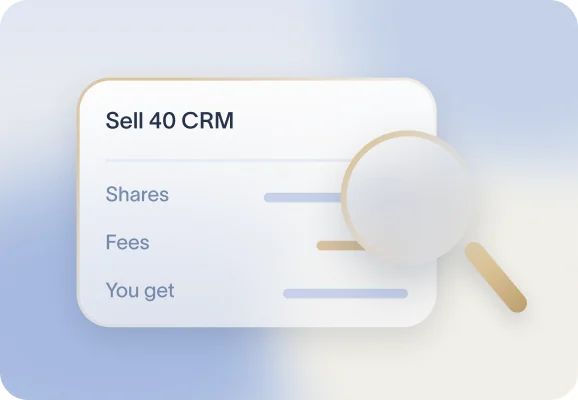
Fees
Shown before you pay
E*TRADESeparate stock-plan fees
How it works




Your RSUs today
01Upload your statement
02Understand your RSUs

03Transfer to Rovia
 1% earning programme
- Upload your statement
Start with your existing broker statement.
- Understand your RSUs
See your holdings and lot-level insights.
- Transfer to Rovia
Invest beyond your employer.
Lam Research in the news
- Here's Why Lam Research (LRCX) is a Strong Growth StockZacks Investment Research · 26 Nov
- Semiconductor Sales Will Soar to $2.6 Trillion in 2027. Buy This Top Stock Before It Skyrockets Next YearFool - Investing News · 26 Nov
- Advanced Packaging Drives Lam Research's Growth: Can It Gain More Share?Zacks Investment Research · 26 Nov
- Lam Research: Equipment Demand Is Surging, But The Stock Is Down 52%Seeking Alpha · 26 Nov
- Lam Research: The Price Has Caught Down The StorySeeking Alpha · 25 Nov
- Lam Research: One Of The Best Black Friday Deals You'll SeeSeeking Alpha · 25 Nov
- Why My Analysis Points to Nearly 40% Semiconductor Equipment Growth in 202624/7 Wall Street · 25 Nov
- The Nvidia Scandal Set Off a Chip Crackdown in Congress. Which Stocks Are Most at Risk?The Motley Fool · 25 Nov
- Core PCE Hits 3.3% as the AI Selloff ReturnsInvestorPlace · 25 Nov
- Applied Materials Falls 6% Despite UBS's $575 Target as China Chip Curbs Hit Equipment Stocks; Lam Research Drops 7%, KLA Edges Lower24/7 Wall Street · 25 Nov
Rovia Trust
Frequently asked
questions
Still stuck? Talk to usYou can initiate a transfer directly from the Rovia app. Go to the transfer section, select your current broker (e.g. Fidelity, E*TRADE), and follow the steps to initiate the transfer. You can only transfer your vested stocks.
No tax: moving shares isn’t a sale, so nothing is taxed until you sell. Rovia doesn’t charge to move your shares in, though your current broker may charge an outgoing transfer fee. Before you sell, Rovia shows the tax on each batch so you can pick the most tax-efficient one.
Yes — a broker-to-broker transfer doesn’t involve a sale, so it typically falls outside blackout restrictions. If your shares are transferable, they can be transferred during the blackout.
Any trading window restrictions or insider trading policies set by your employer continue to apply regardless of which platform holds your shares. Always check with your employer about restrictions specific to you before placing trades.
Rovia’s tax optimizer identifies which specific lots of your RSUs qualify for Long-Term Capital Gains (LTCG) treatment under Indian tax rules, where the rate is significantly lower than for short-term gains. It shows you exactly which shares to sell first, and constantly scans your portfolio for tax-loss harvesting opportunities.
Yes. Rovia generates a comprehensive tax report for each Indian financial year, making your ITR filing much simpler — no manual calculations needed.